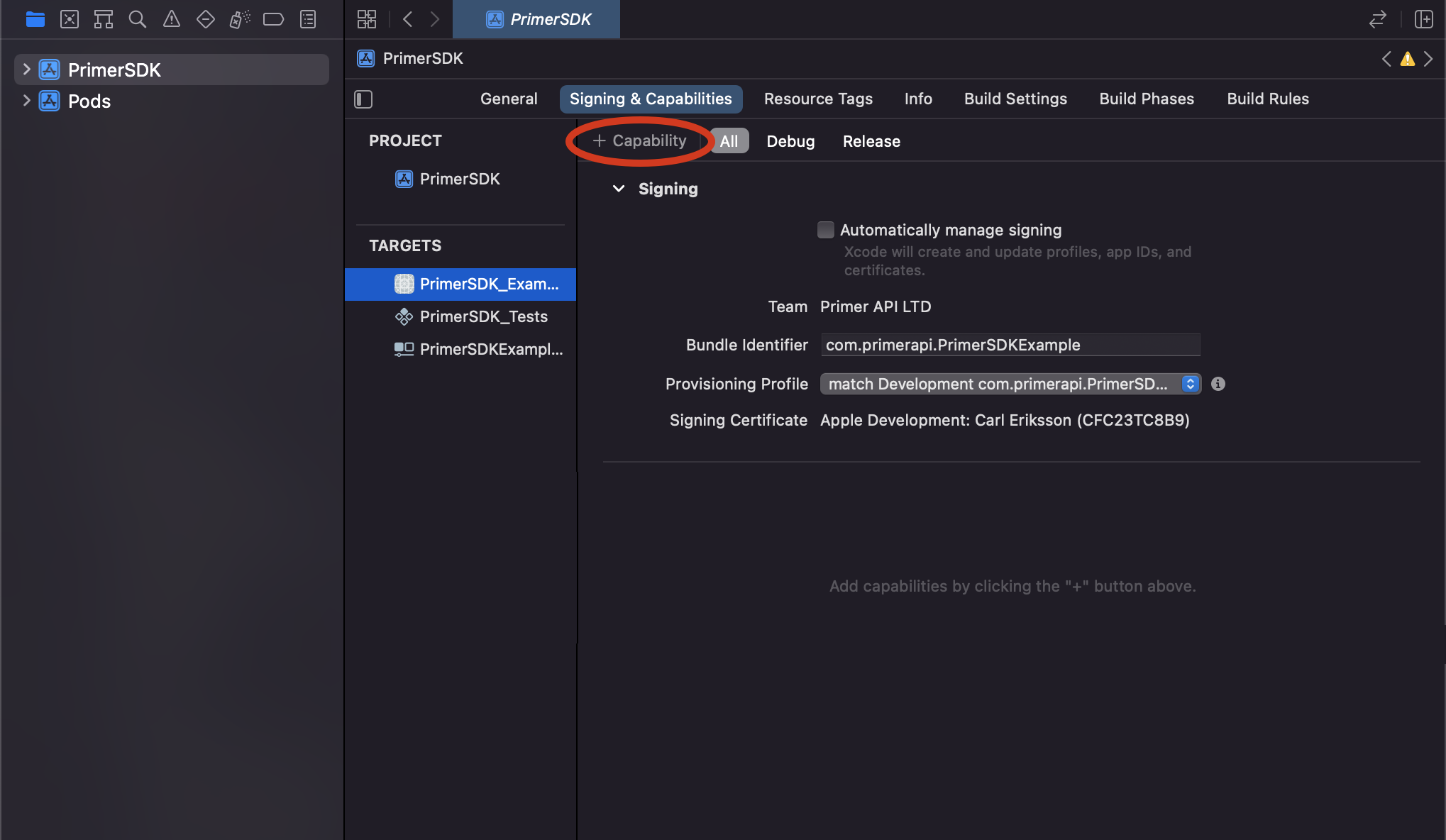
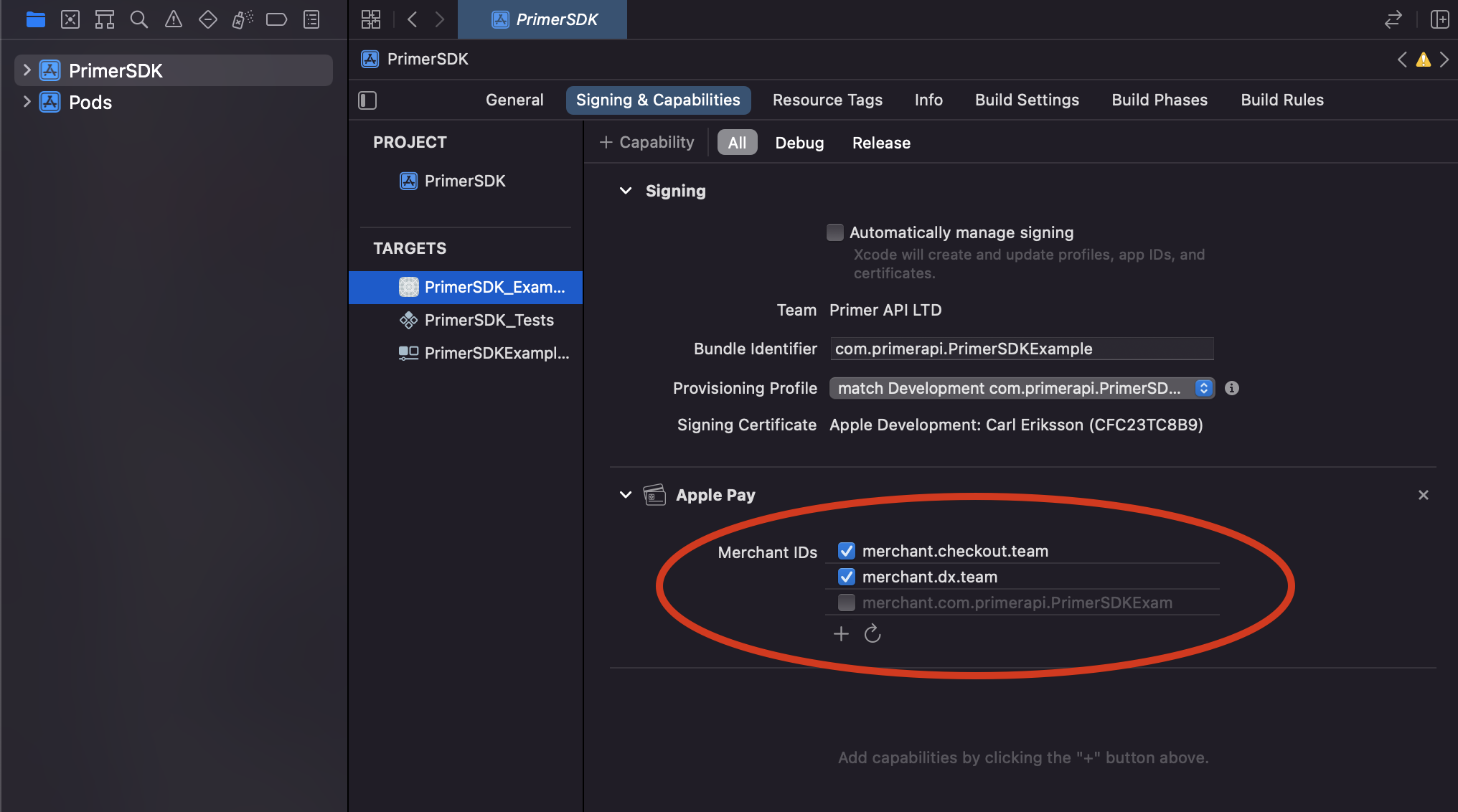
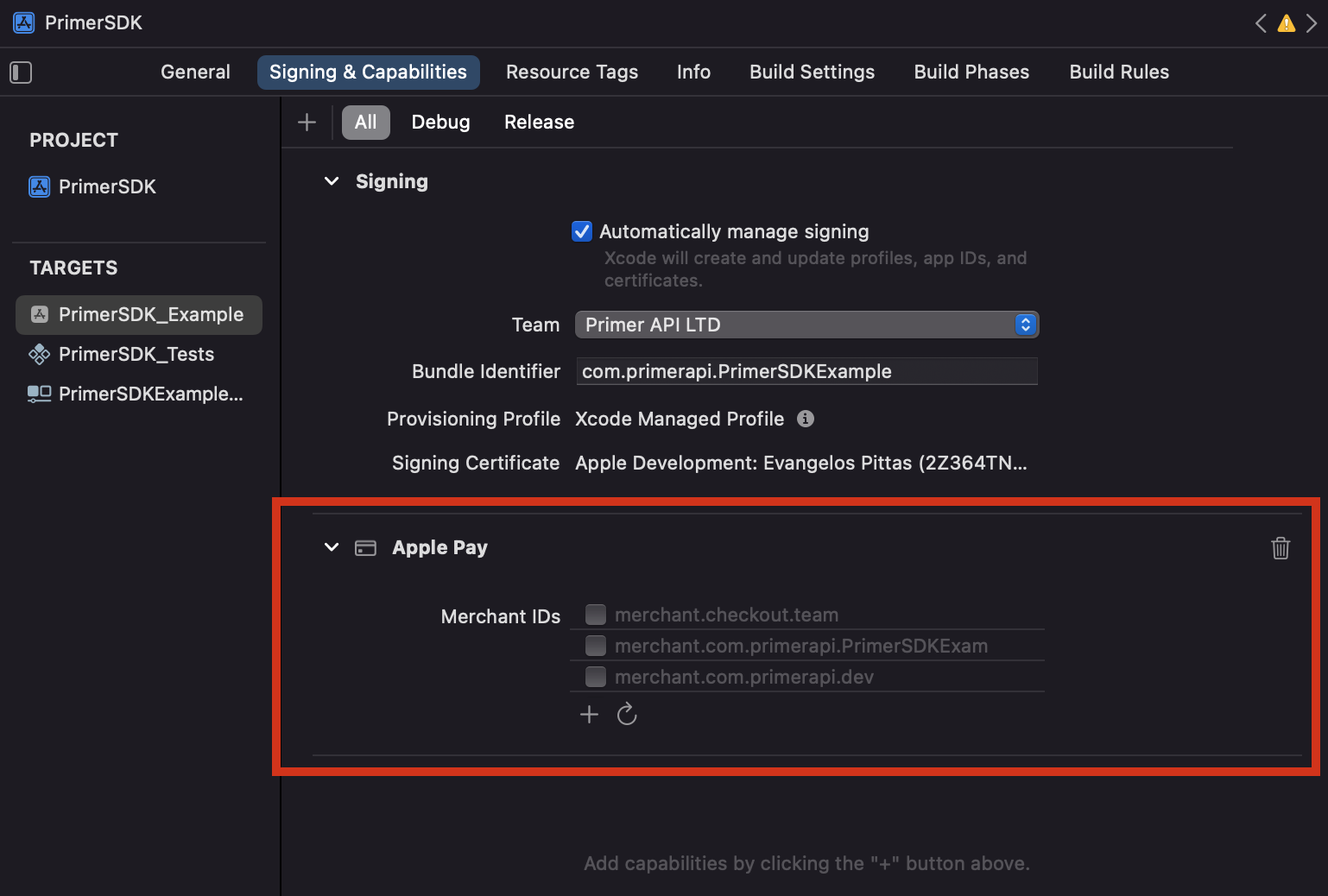
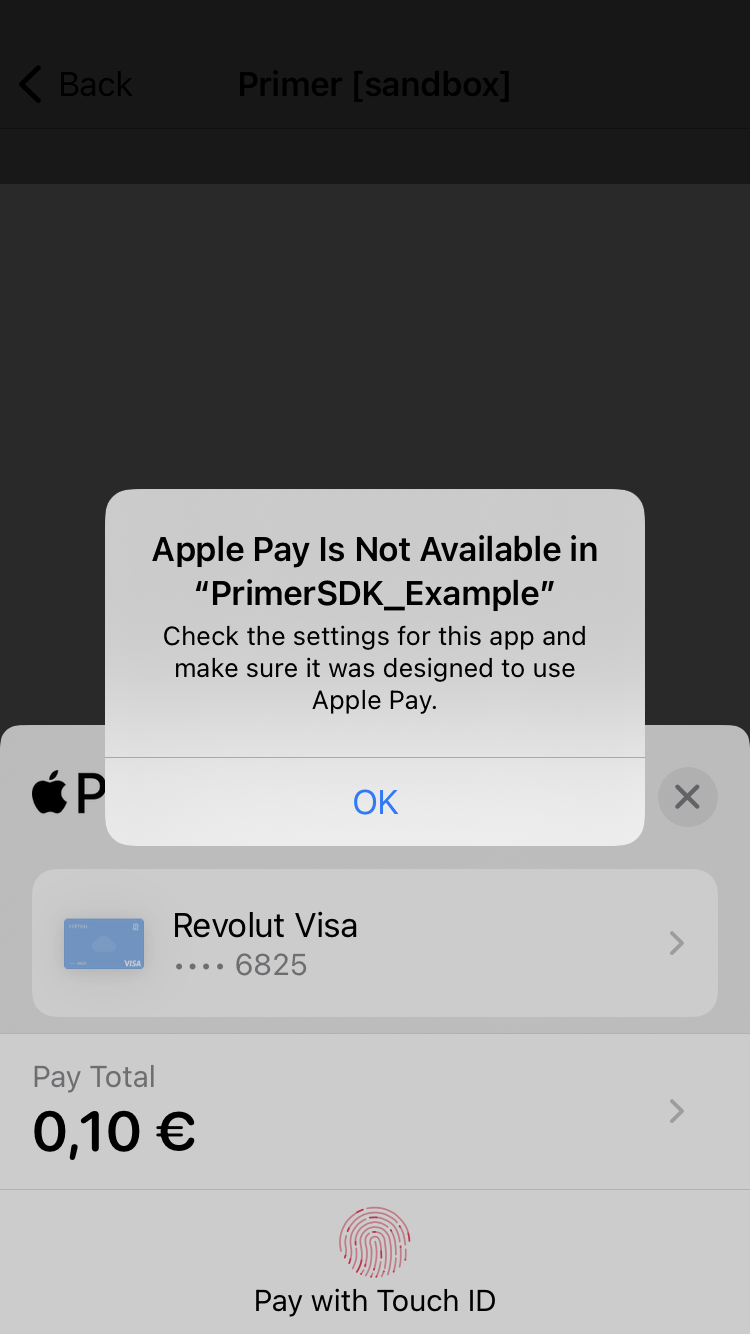
Before you begin
This guide assumes that you know how toAccept payments with Apple Pay
Prepare the client session
Apple Pay leverages the following parameters to process a payment. Pass them when creating the client session.order.countryCode maps to Apple Pay’s PKPaymentRequest.countryCode: “the two-letter ISO 3166 code for the country or region of the merchant’s principle place of business.”Apple Pay MPAN Configuration
Apple Pay Merchant Tokens (MPANs) provide better payment continuity across devices compared to Device Primary Account Numbers (DPANs). Primer enables you to request MPANs from Apple Pay according to Apple’s guidelines, though Apple Pay may still return DPANs if the issuer doesn’t support MPAN generation. For stored payment methods (vaultOnSuccess: true):
Use the appropriate MPAN request configuration based on your payment use case.
⚠️ Important Note on Apple Pay MPAN Generation in Sandbox
The Apple Pay sandbox environment is strictly limited to DPAN-based payment testing. Merchant tokens (MPANs) are not generated or tested in sandbox.
It supports basic provisioning and transaction flows only. For payment scenarios involving MPAN (e.g., recurring payments, deferred charges and automatic reloads),
you must test in a production environment with a valid Apple Pay wallet and a merchant token-enabled issuer/network.
For one-time payments (
vaultOnSuccess: false):
- Standard Apple Pay flow is used
- No MPAN request configuration needed since tokens aren’t stored
Prepare the SDK for payments
- Web
- iOS
- React Native
Show Universal Checkout
Apple Pay is automatically presented to the customer when callingCustomization
Check the Customization Guide to learn how to customize payment method buttons.Additionally, you can style the Apple Pay button by passing the following options:Capture billing address
By default, Apple Pay does not capture the user’s billing address.You can ask to capture the billing address by setting the option
Apple Pay is automatically presented to the customer when calling
Primer.showUniversalCheckout.Typescript
Check the Customization Guide to learn how to customize payment method buttons.Additionally, you can style the Apple Pay button by passing the following options:
Typescript
By default, Apple Pay does not capture the user’s billing address.You can ask to capture the billing address by setting the option
captureBillingAddress. The billing address is added to the client session before the payment is made.Typescript
Limitations
- Apple Pay is only supported on Apple Devices and Safari Browser. For more info take a look at the Apple support page.
- Until iOS 16, Apple Pay does not appear on in-app webviews.
- Apple Pay only appears if the website is using HTTPS.
- Our current implementation of Apple Pay does not support the card networks
mir,girocard,bancomat, andbancontact.
Troubleshooting
Apple Pay button is not presented
If the Apple Pay button is not presented, check that:- The browser is Safari
- The website is using HTTPS
- The domain has been registered in the Dashboard
- The order details and country code have been passed to the client session